

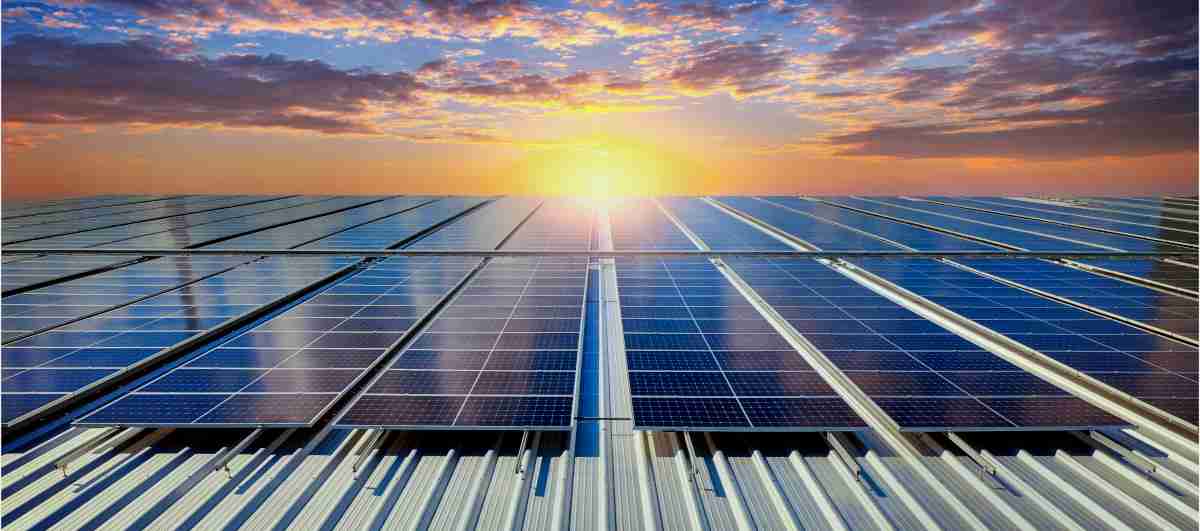
About Solar Energy Monitoring Installation Services
Power your home with clean energy and stay connected with our Solar Panel WiFi Installation Service.
We provide seamless setup of solar panels integrated with smart WiFi monitoring for real-time performance tracking.
Enjoy efficient energy use, remote control, and peace of mind—all in one smart solar solution.
We Serve The Best Work
- Real-Time Monitoring Track your solar energy production and usage live from your smartphone or computer.
- Performance Insights Analyze data trends to optimize energy efficiency and detect potential issues early.
- Remote Access Control and monitor your solar inverter or system anytime, anywhere via WiFi.
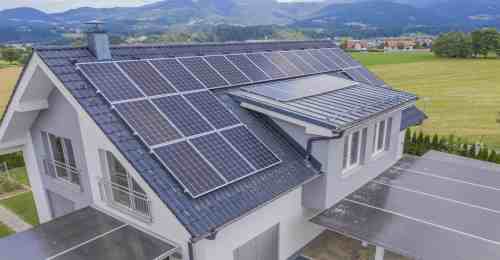
Questions About WiFi Setup for Solar Panel
Wi-Fi allows you to monitor your solar production, check energy usage, receive system alerts, and track performance from anywhere. Your solar system will still work without Wi-Fi, but you won’t be able to see real-time data or get reports.
If the signal is weak, we can recommend or install solutions such as Wi-Fi extenders, mesh systems, or repositioning the router. This ensures strong connectivity so your solar monitoring works reliably.
Open your inverter’s mobile app (e.g., Growatt, SolarEdge, Enphase). Go to the Wi-Fi or network settings, select "Configure Device", and choose your home Wi-Fi. Enter your Wi-Fi password and wait for the inverter to show a “Connected” or “Online” status. Make sure your router’s 2.4 GHz band is enabled, as many inverters don’t support 5 GHz.
Check that you're using the 2.4 GHz network, place the router closer to the inverter, ensure the Wi-Fi password is correct, and restart both the router and inverter. Also confirm that DHCP is enabled on your router. If it still fails, reset the inverter's Wi-Fi module and try configuring it again.
No. Solar panels and the inverter generate electricity without internet. Wi-Fi is only needed for monitoring, performance data, alerts, or remote settings. Power production continues even if Wi-Fi is offline.
This usually means the inverter lost internet connection. Check the inverter’s Wi-Fi LED/status, verify your router is online, or reconnect the inverter to Wi-Fi. If your app stores data locally, it may upload after the inverter reconnects.


